Choose six views
Upload six renderings, drawings or finished-project photos from one project. Include wide views and details.
Upload six renderings or project photos. We turn them into a video ready to share on Instagram, YouTube Shorts and TikTok. No editing required.
Five projects. See the original images alongside each finished video.
30-second video
9:16 · 1080p
6 original images
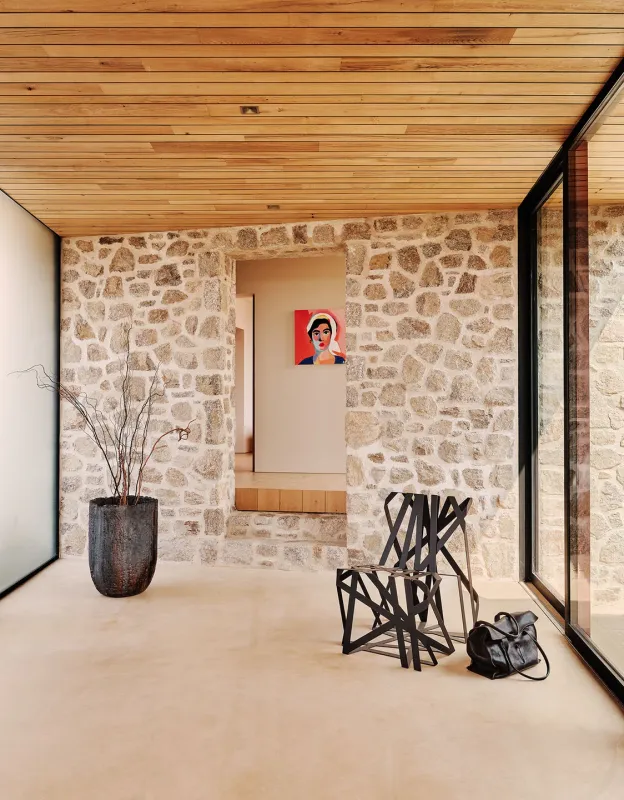
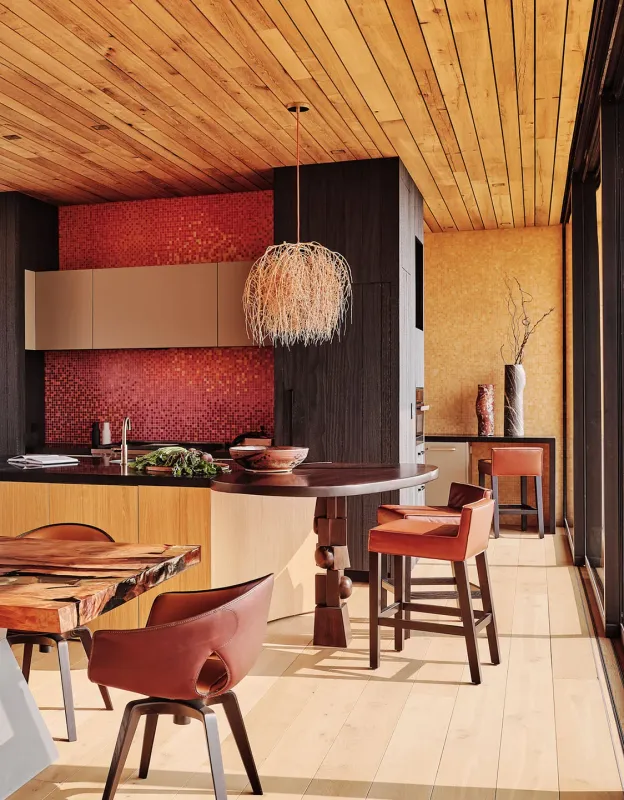
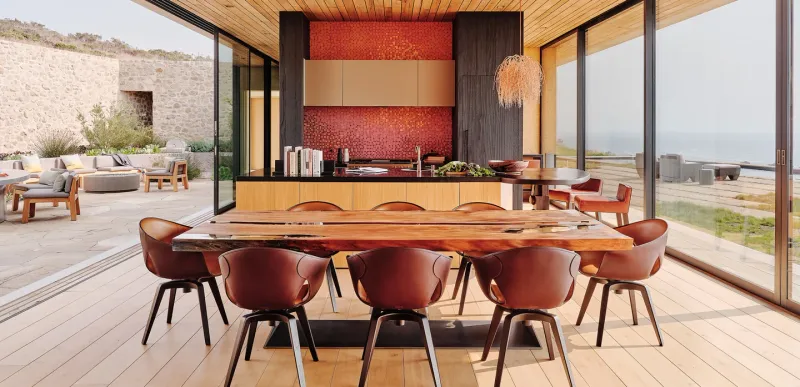
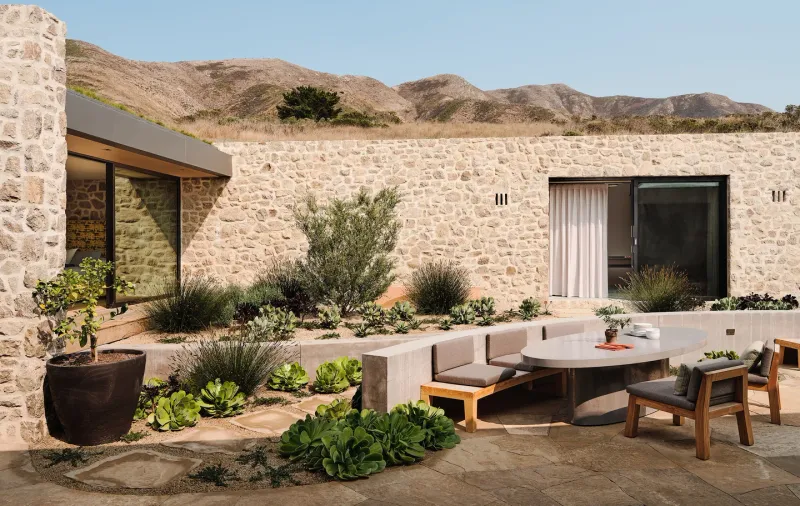
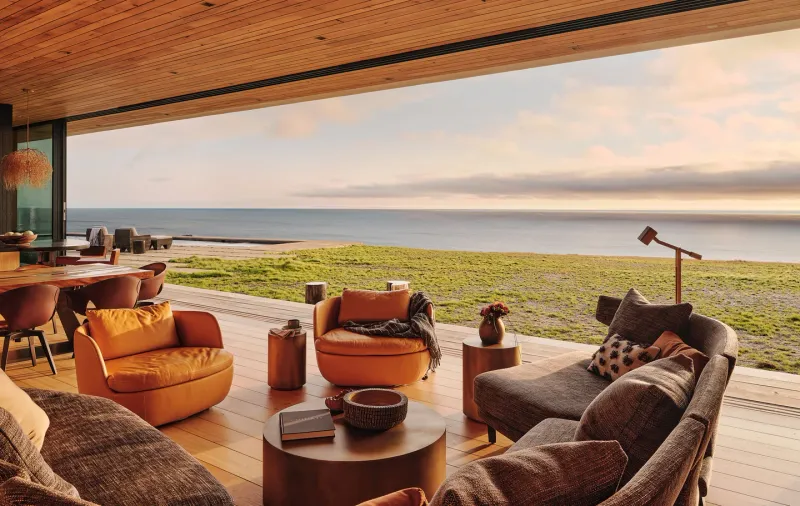
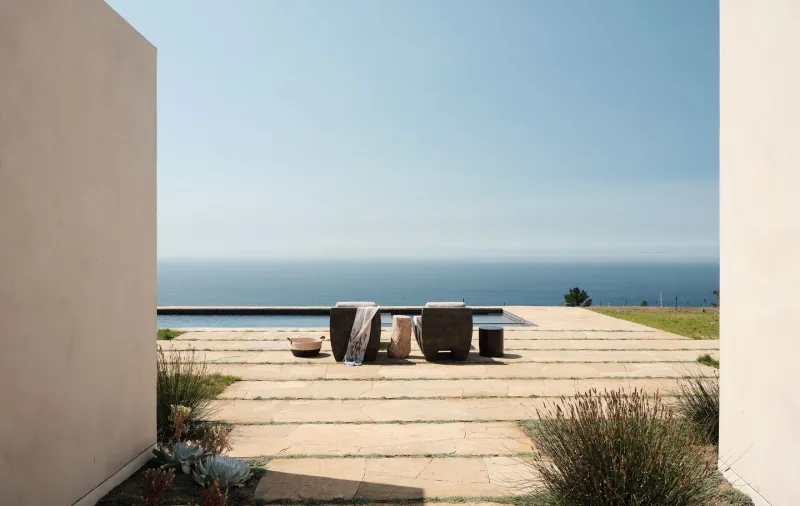
Project photographs
AI-created concept video · Studio Schicketanz · Studio Schicketanz project gallery
Upload six renderings, drawings or finished-project photos from one project. Include wide views and details.
We plan six connected scenes, create cinematic references and generate six moving clips with AI. Then we edit your film and email you when it is ready.
Choose a soundtrack, add your logo and download a full-resolution vertical video you can post as-is.
Movement and pacing help viewers feel the scale, flow and atmosphere of a project.
Built around exteriors, interiors, material details, drawings and completed-project photography.
Upload your project, choose your branding and soundtrack, and we handle the rest.
Download a full-resolution vertical video for Instagram Reels, YouTube Shorts, TikTok and Stories.
Every plan includes the same video quality. Pay month to month and cancel anytime.
2 project videos each month
5 project videos each month
Need another video? Active subscribers can add one anytime for $30.00.
Use six renderings, drawings or finished-project photos from one project. JPG, PNG and WebP files are supported.
An approximately 30-second, 1080 × 1920 vertical film made from six AI-generated scenes, with your chosen soundtrack and optional studio logo. Add a logo and you get two versions of the film: with it and without it.
No. Choose your six views, soundtrack and logo. Arch2Video handles the edit and emails you when it is ready.
The vertical format is ready for Instagram Reels, YouTube Shorts, TikTok and Stories.
AI scene generation can take an hour or more, depending on provider queues. You can close this page; we will email you when it is ready.
Yes. Update either one after the video is ready and download the refreshed version.
They are used only to create and deliver your video. You keep ownership and can delete a video and its project files from your account.
Yes. Open Settings and use the secure billing portal. Your plan remains available through the paid billing period, then stops renewing.
Yes. Each film includes a small cast of original, fictional people in at least one scene so the spaces feel lived in; some scenes stay quiet. People who appear in your photos are not animated. Arch2Video also plans the scene order to tell the strongest story.
Studio is USD 49.90 per month for 2 project videos and Practice is USD 99.90 per month for 5. Both are month to month with no free trial, and you can cancel anytime. Active subscribers can add one extra video for USD 30, and unused extras carry over. You can upload your six images before choosing a plan.
AI-generated concept images from tools such as ChatGPT or Midjourney work like any other JPG or PNG, and a floor plan can be one of the six images (it is shown as a slow pan, not a walkthrough). Arch2Video works from images, not from a 3D or BIM model, so it does not make measured walkthroughs, and there is no text prompt box: the AI director plans the scenes from your six views.